Property Editor Project Page
Project Purpose & Design Goals
- My primary goal with this project was to conceptualise and prototype a unique core mechanic based around material science. My focus was on exploration and experimentation of the properties of basic objects found in the environment.
- Using the Property Editor mechanic I wanted to challenge myself to flesh out a small gameplay system anchored by the core property editing mechanic and implement it myself using Unity 3D and C#.
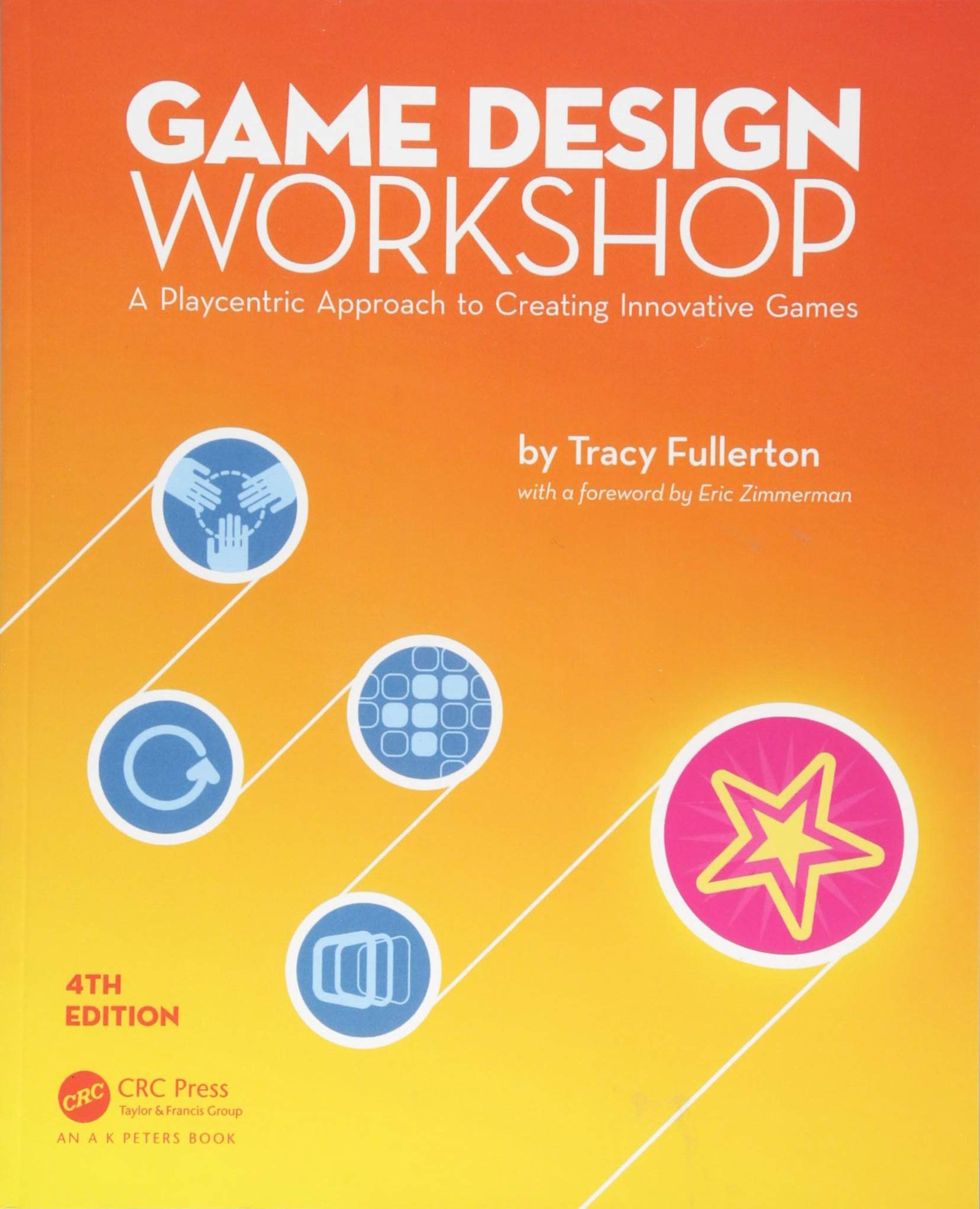
- I aimed to conduct research into mechanic and system design approaches and apply my findings through rapid prototyping. Throughout the project I was inspired by Game Design Workshop’s playcentric approach and sought to apply it through practice.
Focus:
Gameplay System Design
Date:
October 2020 – December 2020
Engine:
Unity 3D
Design Process
Below you can find an overview of my design process I underwent towards the creation of the Property Editor.
Research
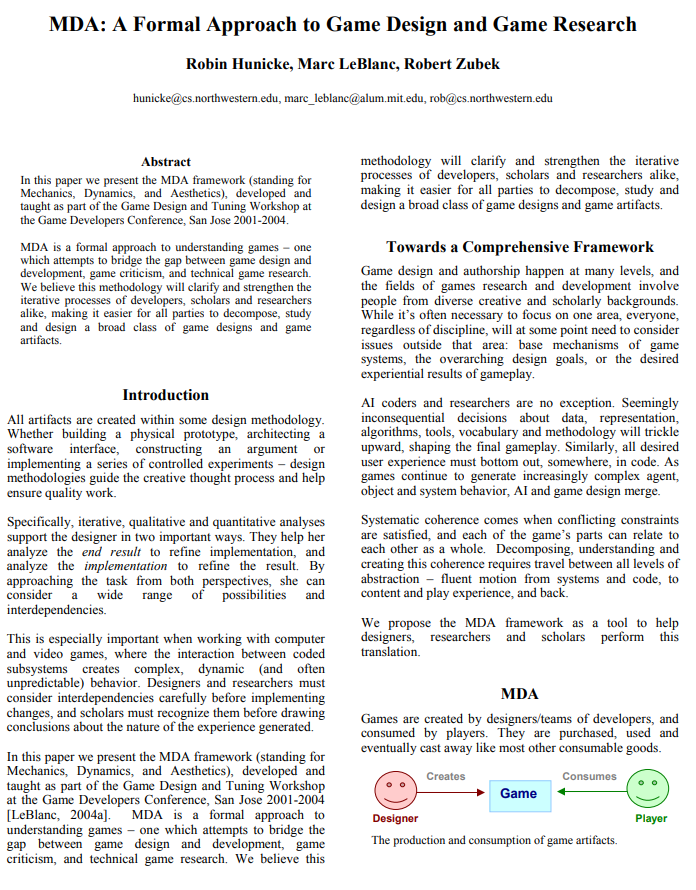
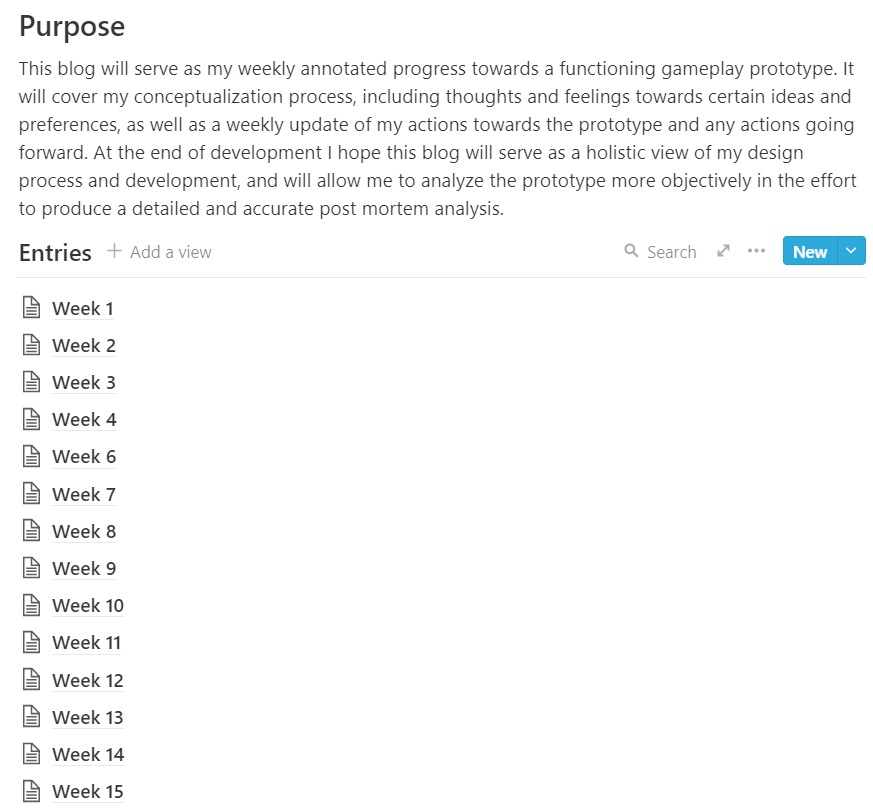
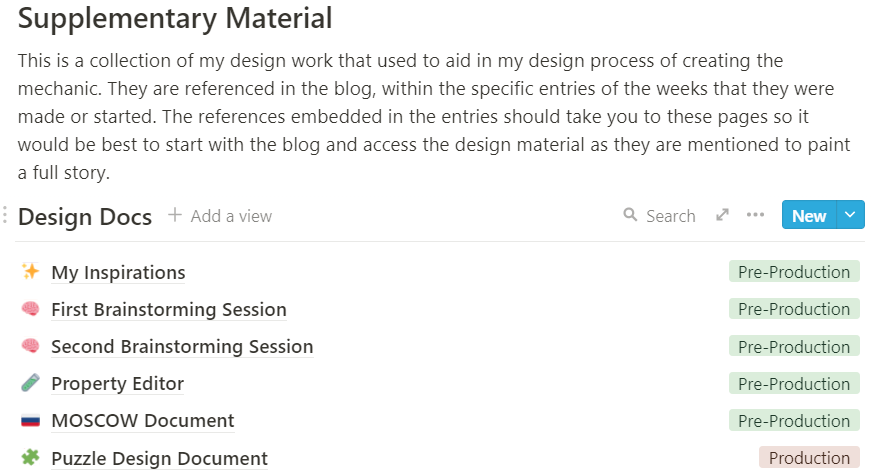
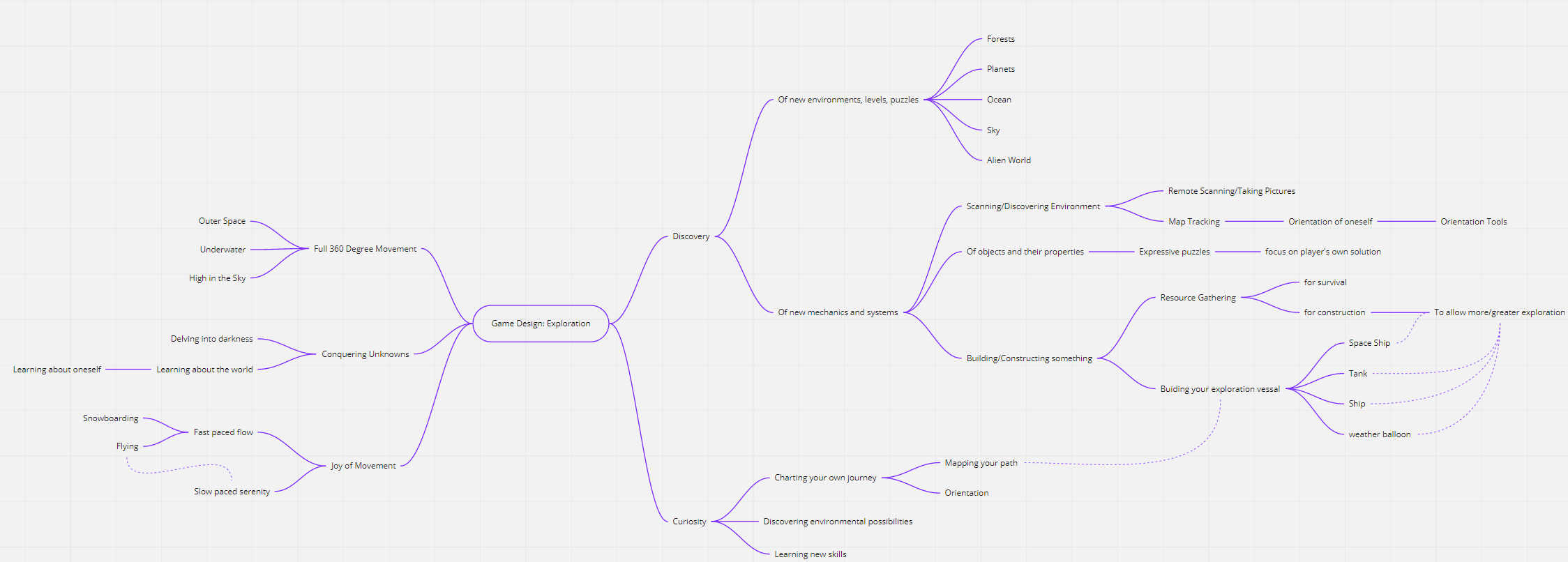
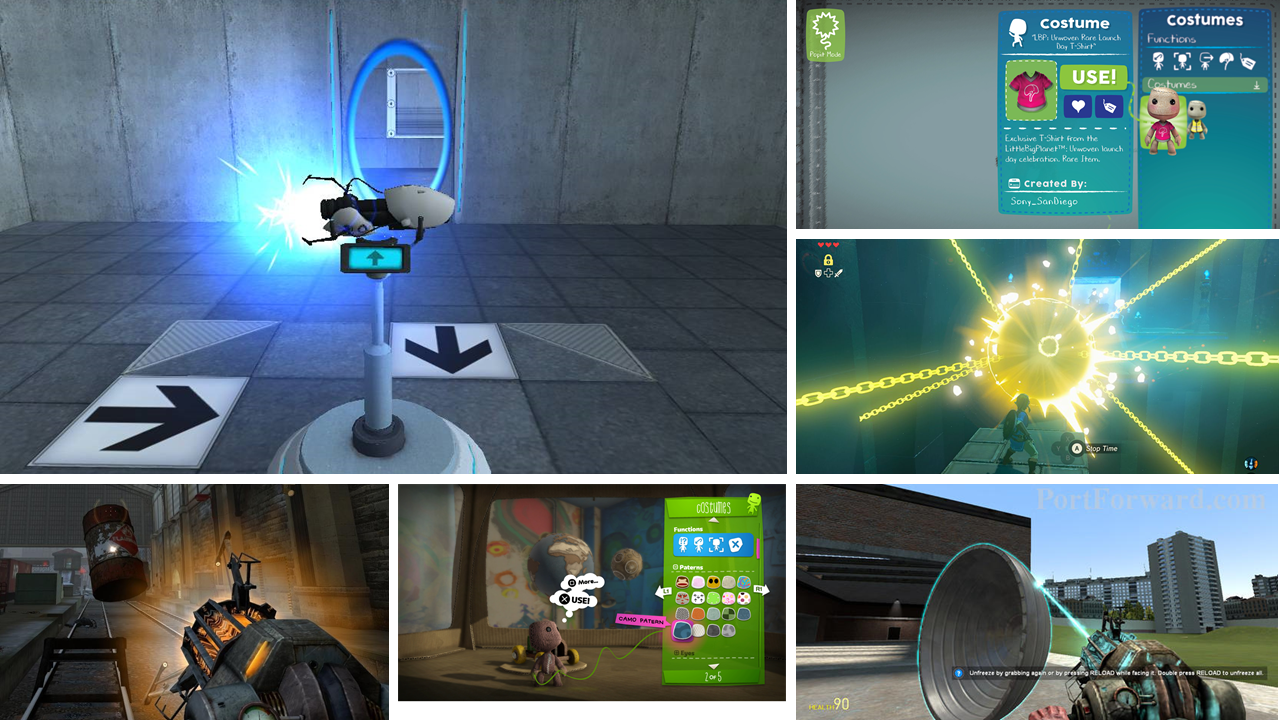
I started this project as I usually do, through researching similar games that achieve the intended player experience goals that I am aiming for and looking into applicable design frameworks I could use to help structure the design better. I then documented my findings and thoughts through a development blog which I updated weekly and contained my mechanical analyses.

Sketching & Ideation
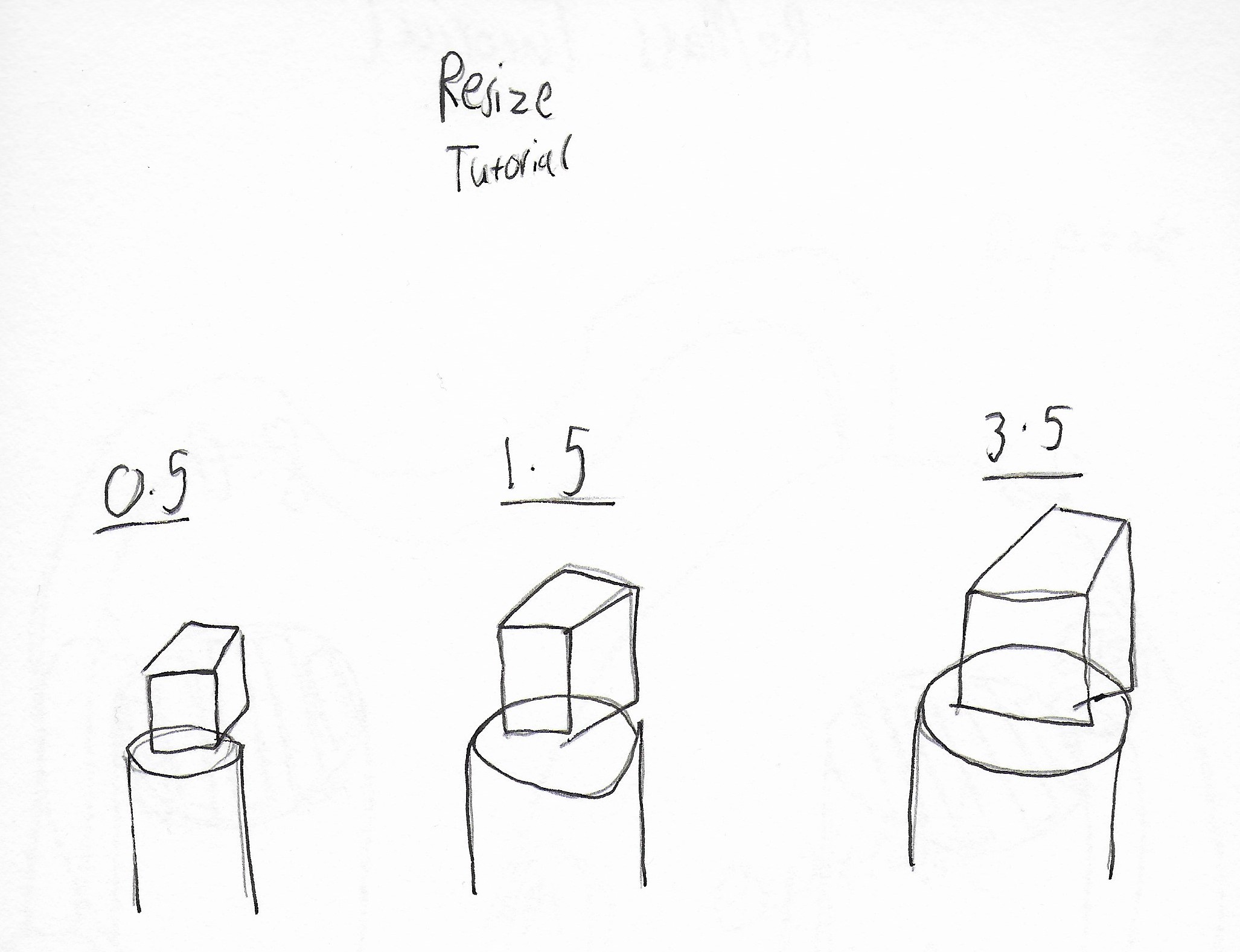
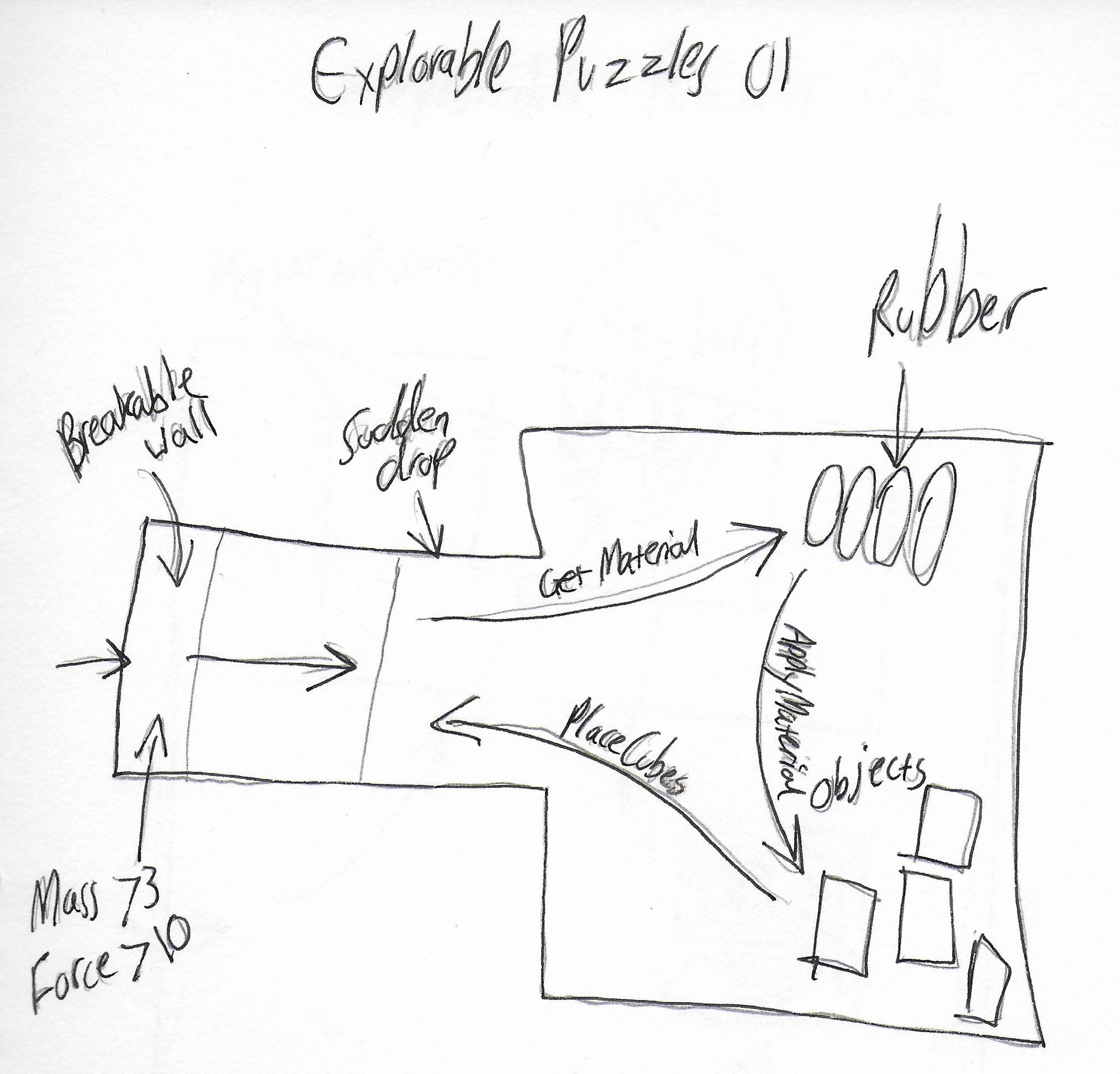
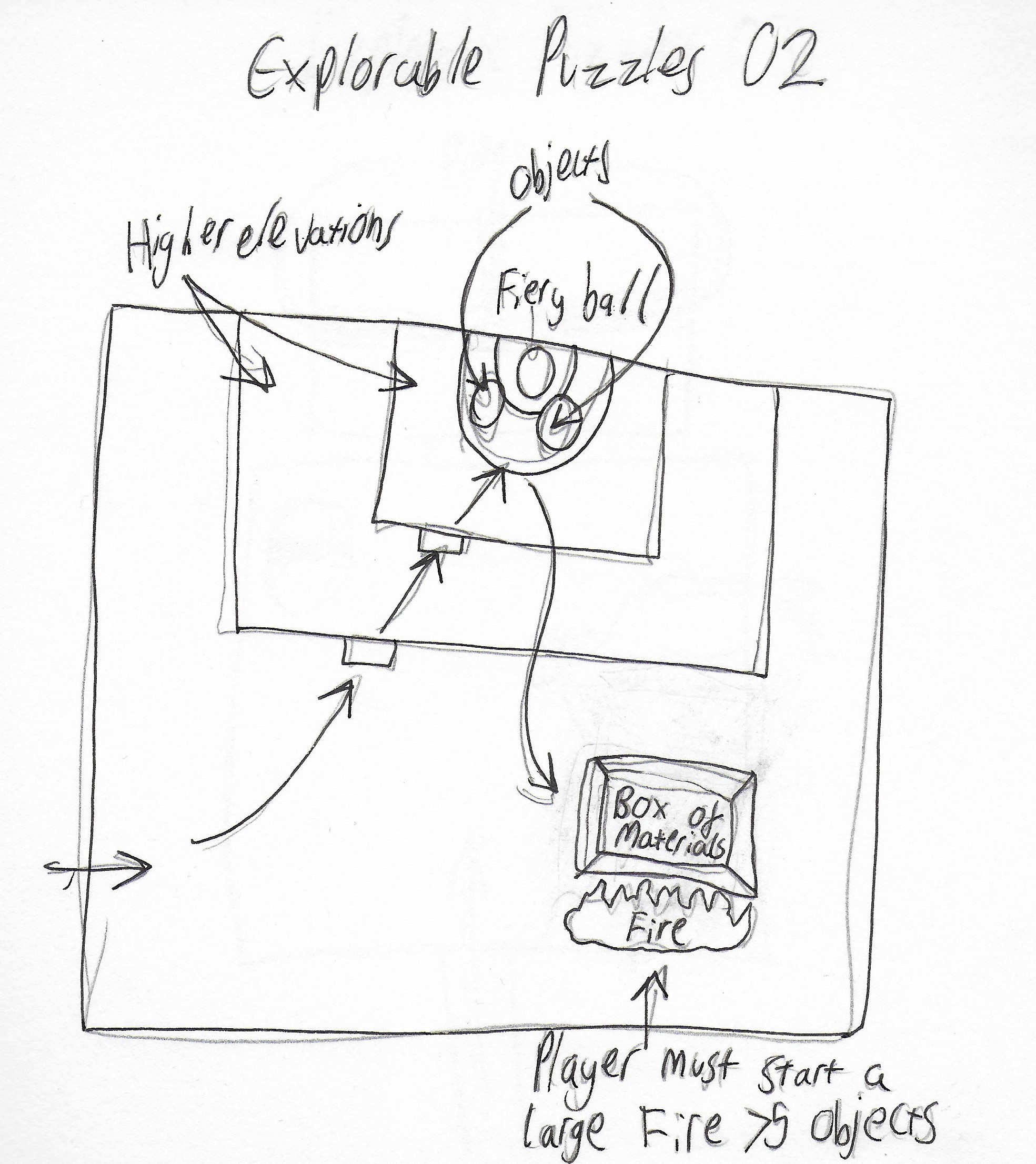
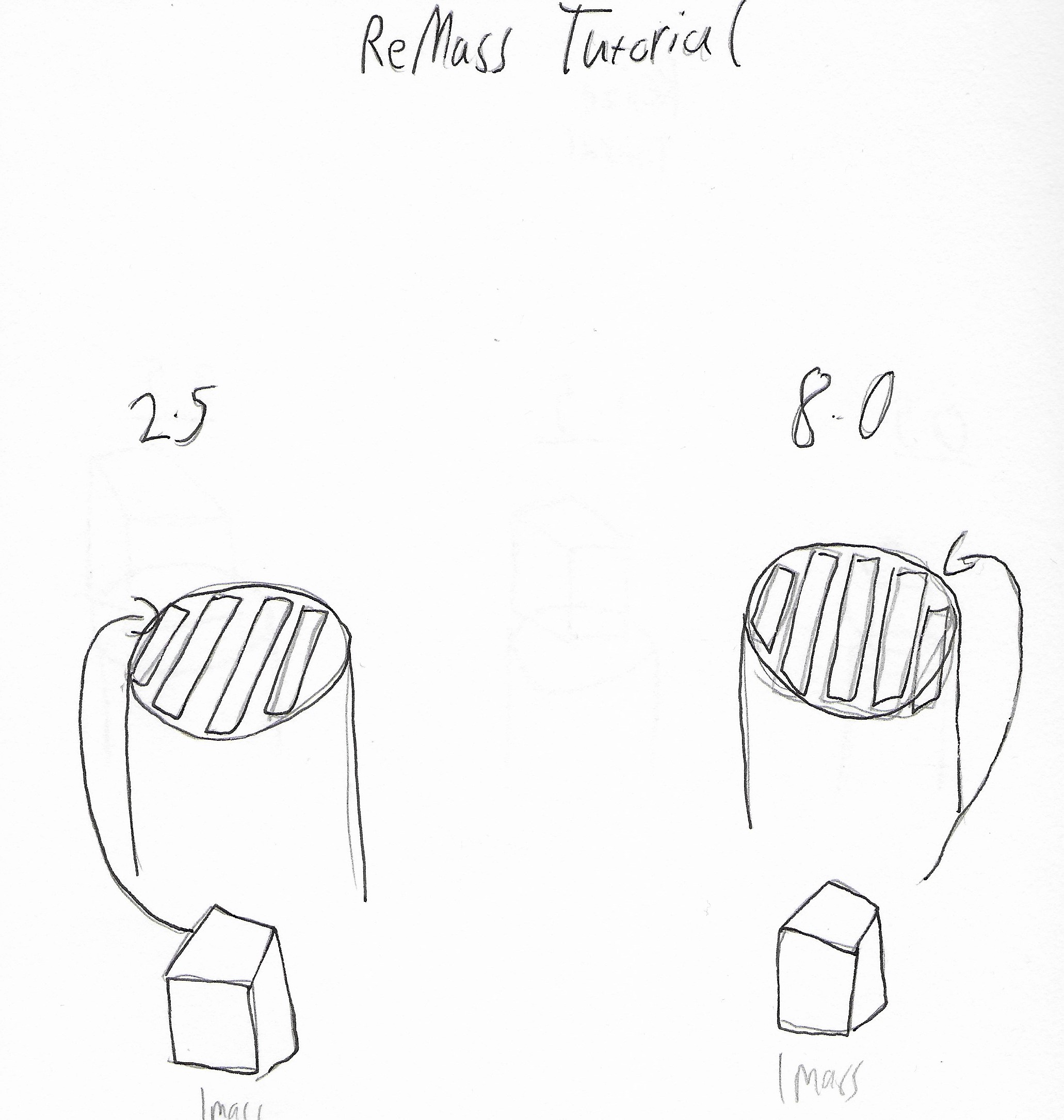
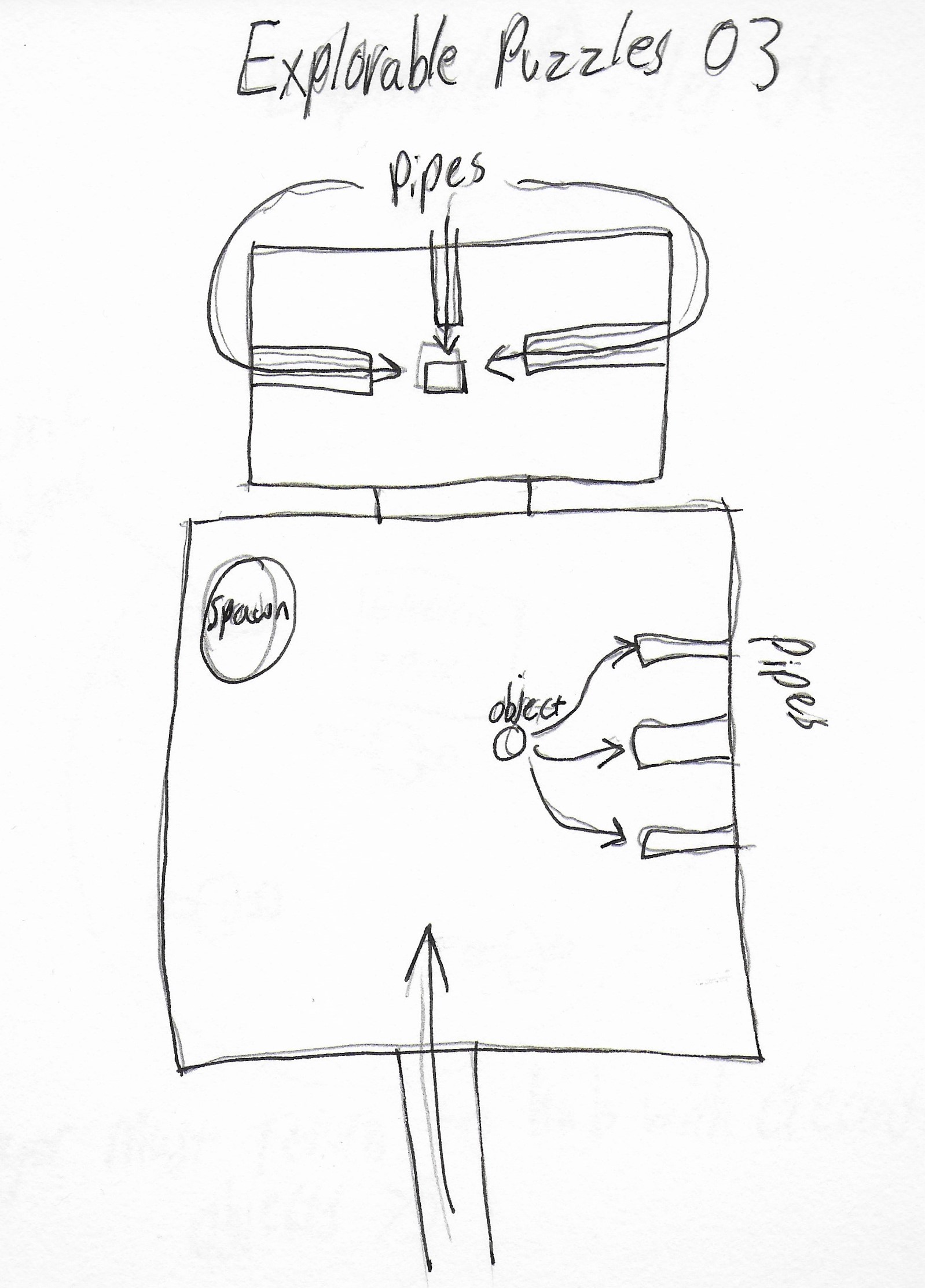
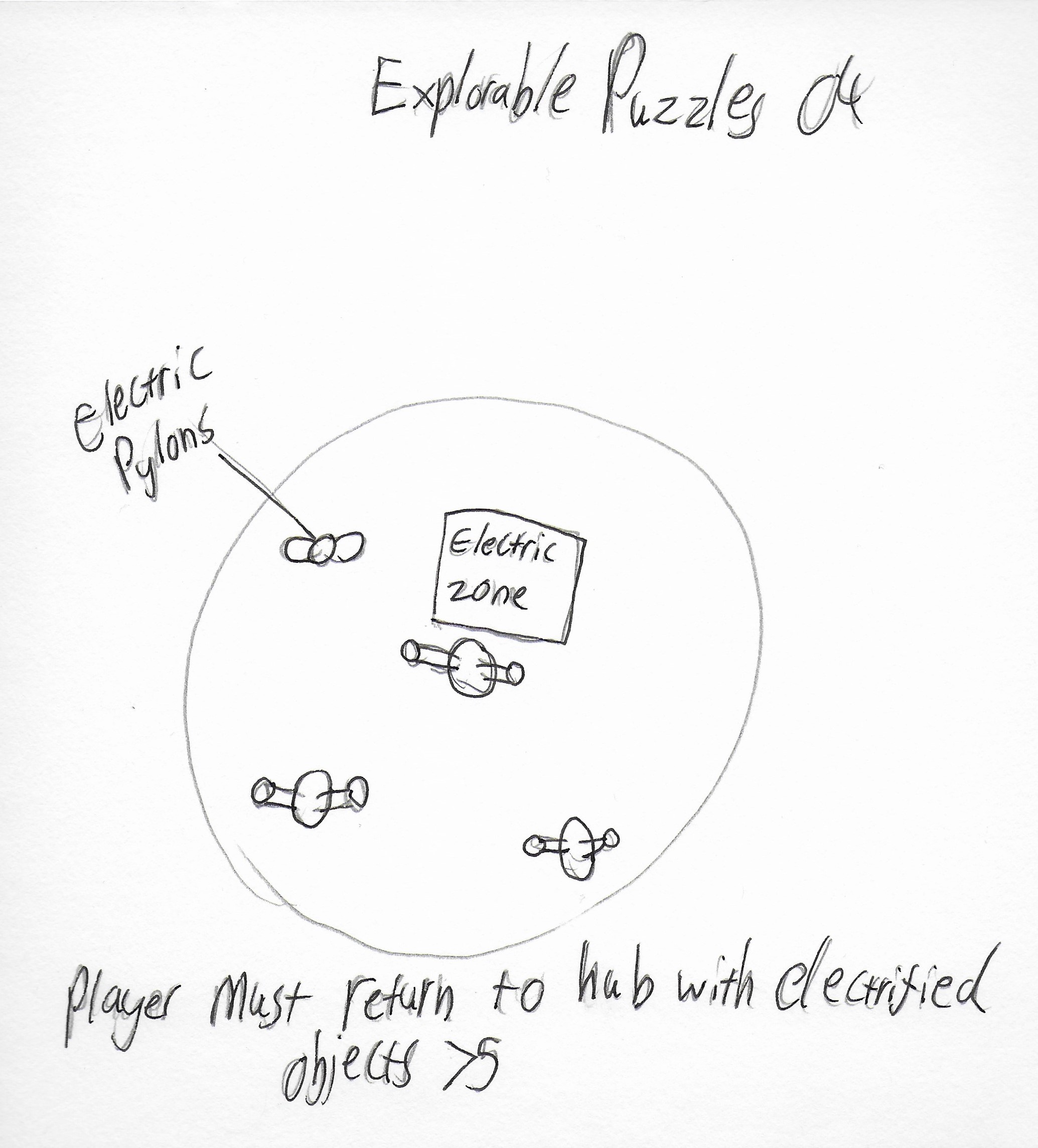
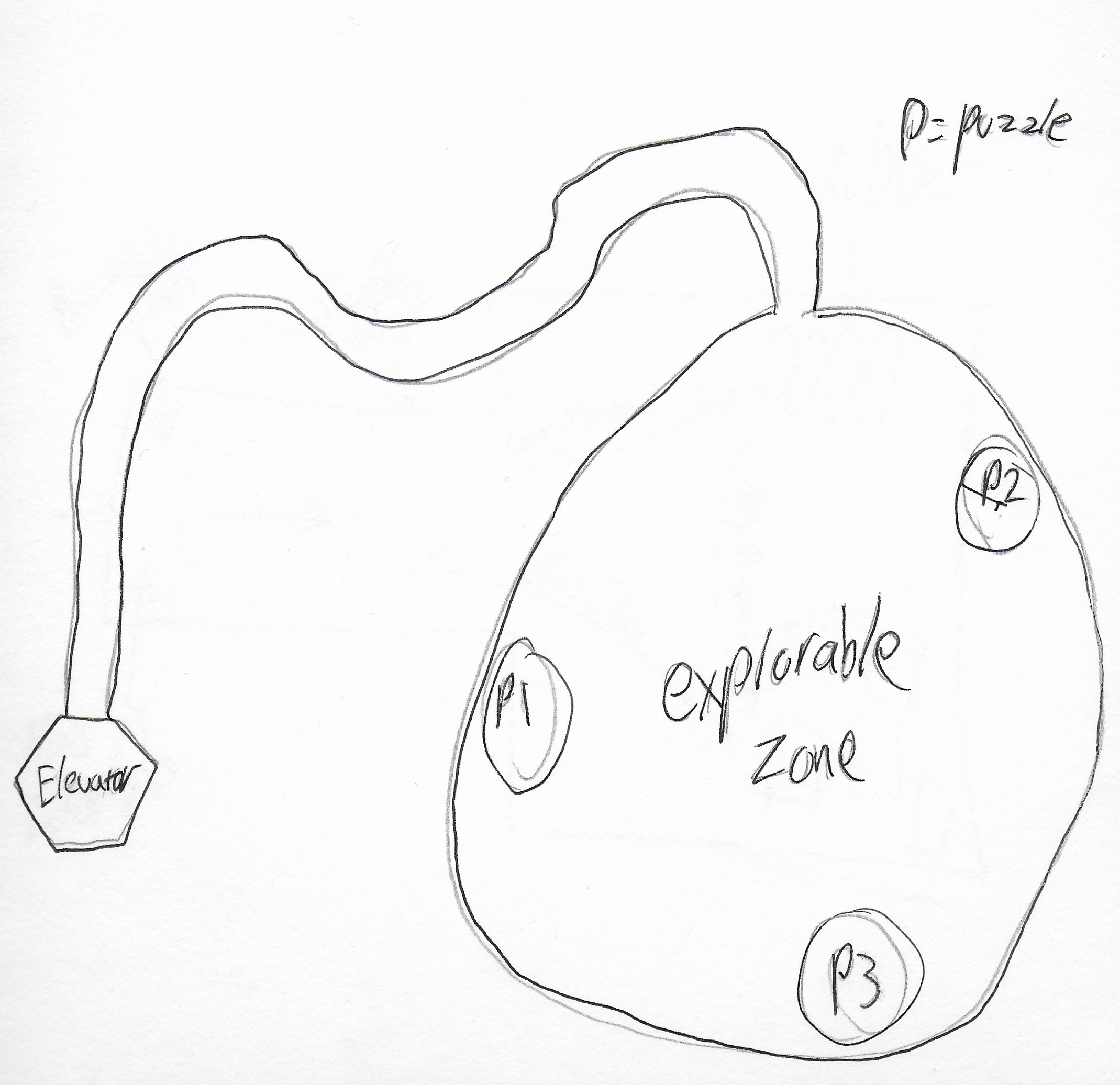
Using my research I started brainstorming and ideating, throwing together mindmaps of ideas and concepts, researching other games that achieved similar player experience goals and writing up my findings, and as I slowly got closer to the idea I liked I would sketch out possible uses for the mechanic in play through various puzzles.

Design & Flowcharting
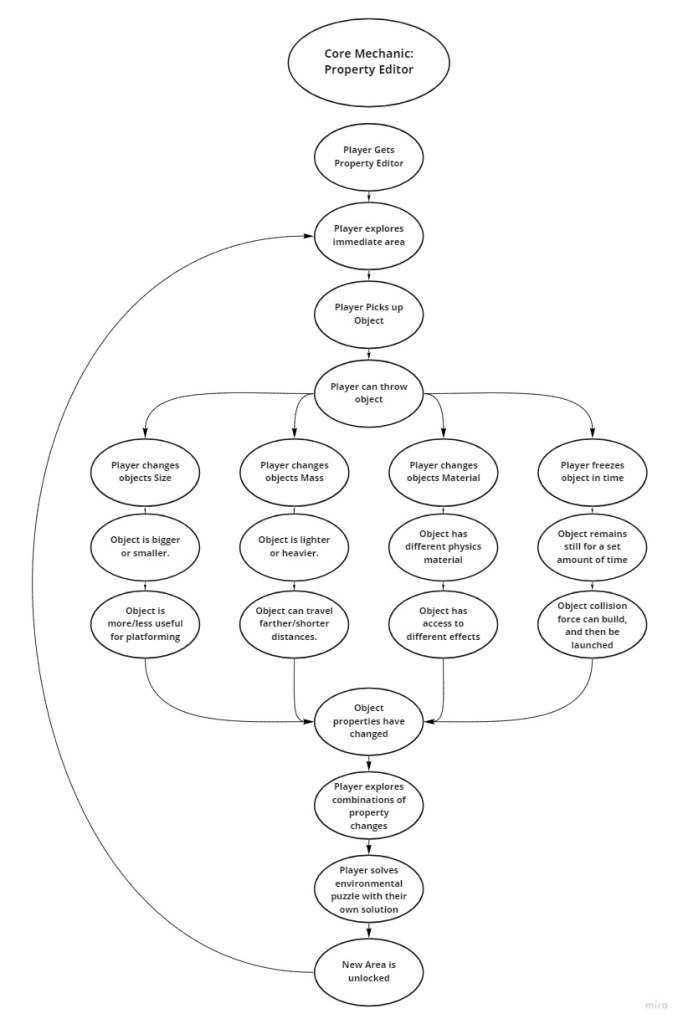
After some ideation I like to go a bit deeper and explore the ideas further through flowcharting a core game loop that could be created with the mechanic, to see if the idea has any legs, and then eventually flesh out the other system elements to start seeing how the property editor mechanic will work with other mechanics.
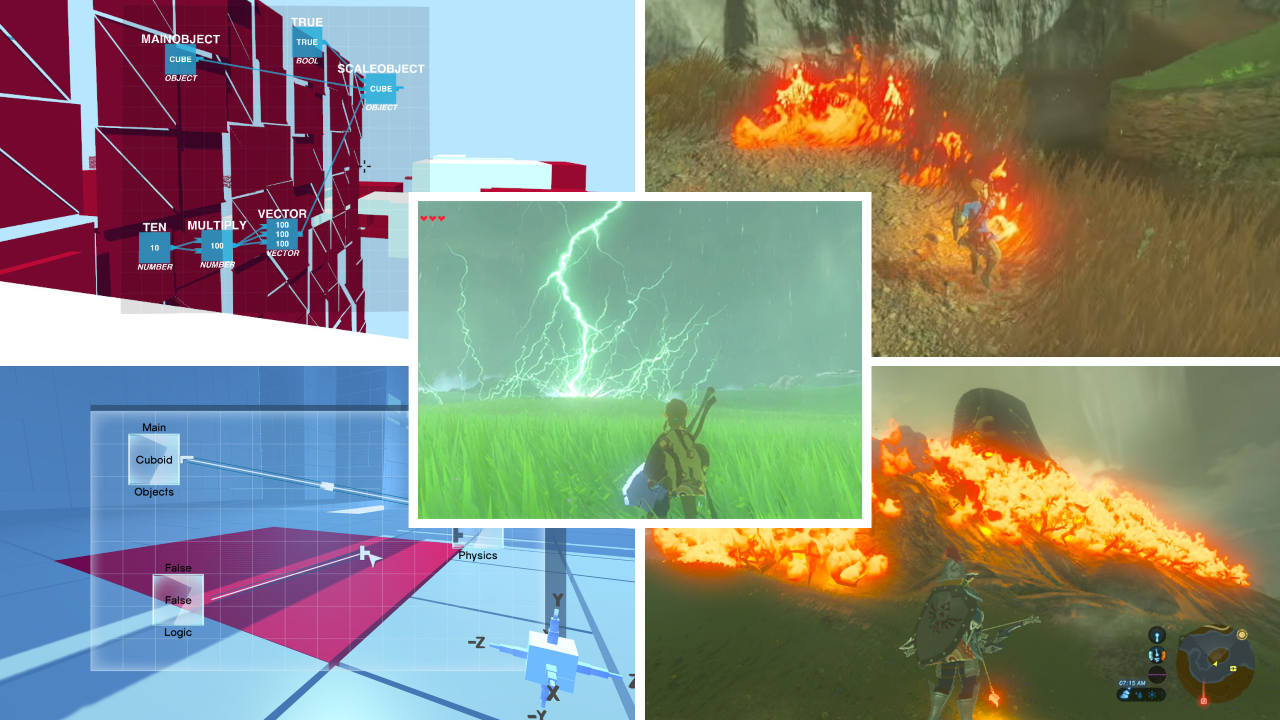
I was very inspired by Zelda: Breath of the Wild’s GDC talk about breaking conventions. In it, they discuss the concept of seeing game design as chemistry, similar to Daniel Cook, and they wanted to create a system of multiplicative gameplay that aimed to explore gameplay that was modeled after chemistry by having their physics engine focus on handeling collision and movement, and their “chemistry” engine would focus on the states of change that occurred from the physics based gameplay.
I wanted to explore this further through my prototyping, so I created a small system loop to visualise how the mechanic of editing properties could be expanded upon with several different properties to edit and how they would effect each other in regards to causing changes of states in the environment.

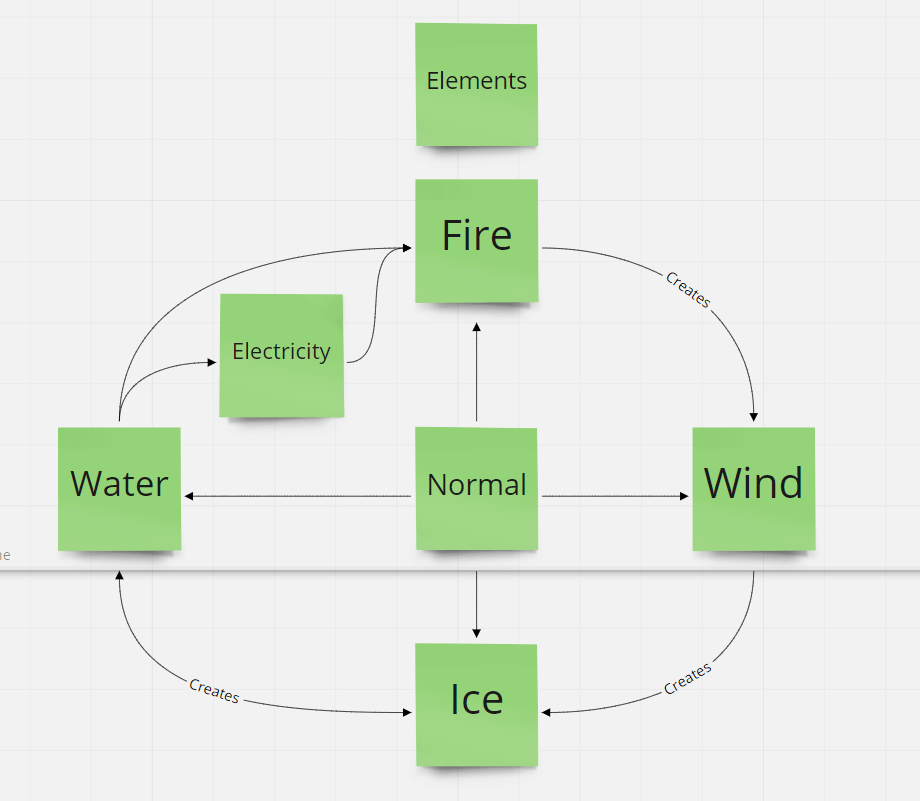
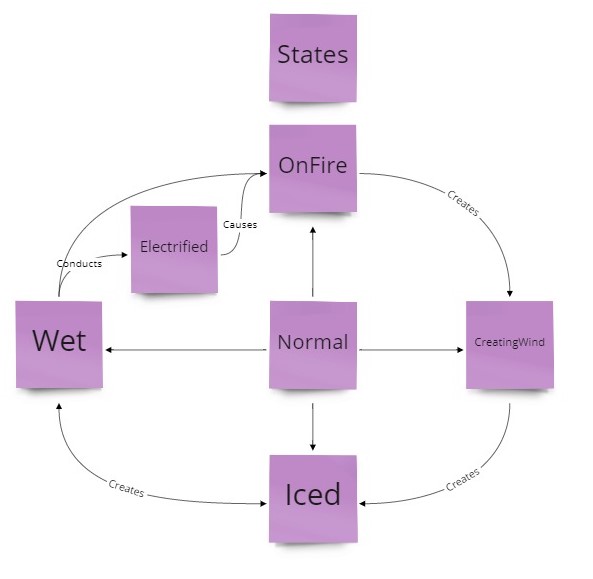
I then built upon the idea of the simple mechanic of changing an objects properties by separating the potential game idea into it’s core systemic elements with the playcentric approach to system design, inspired by Game Design Workshop. I separated the game into objects (the things that comprise the game), properties (the attributes of each object), and behaviours (The potential actions of each object).
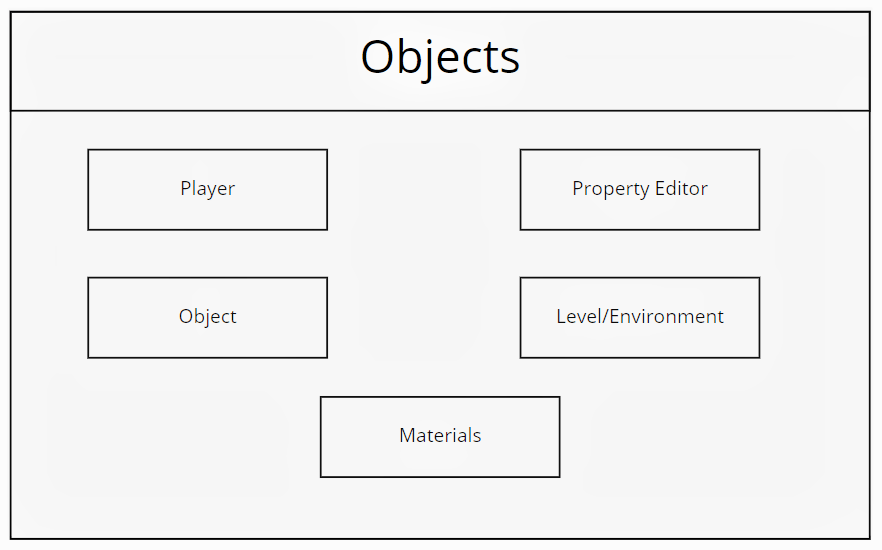
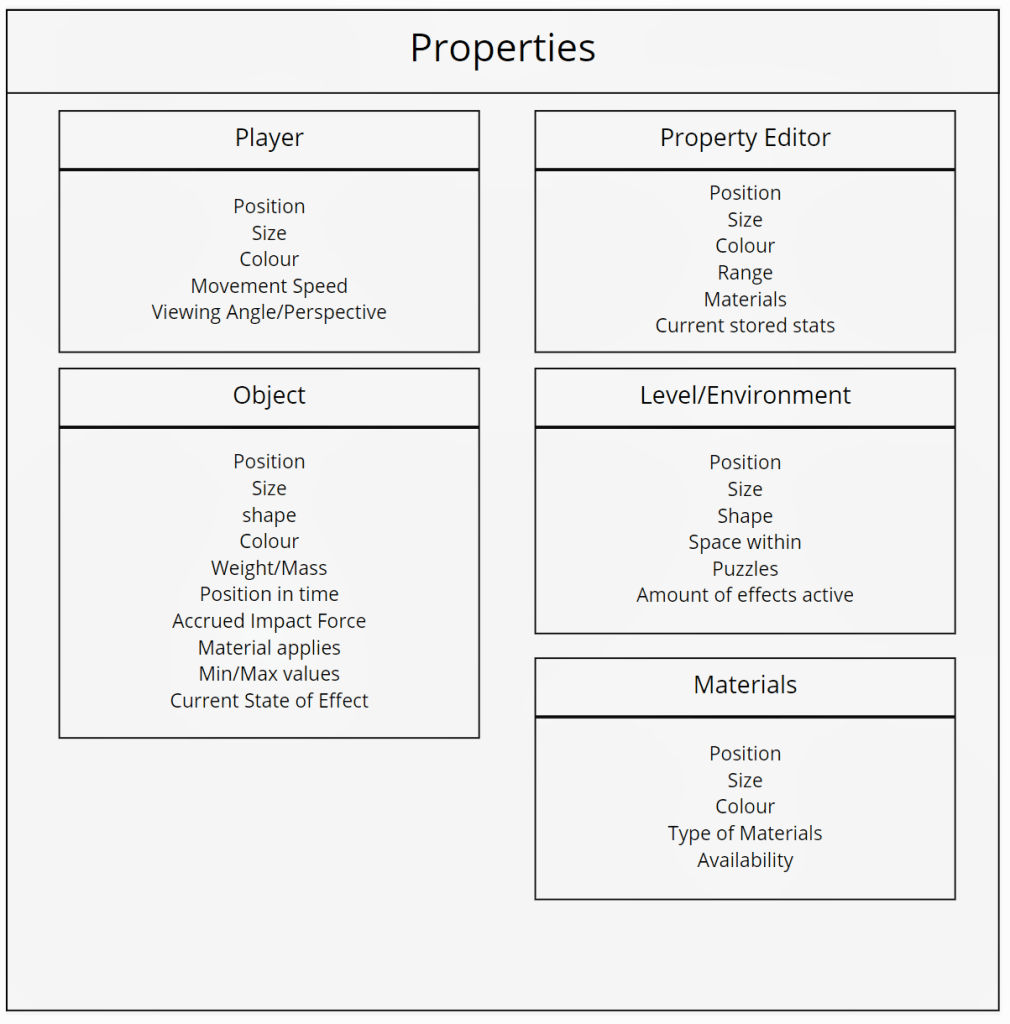
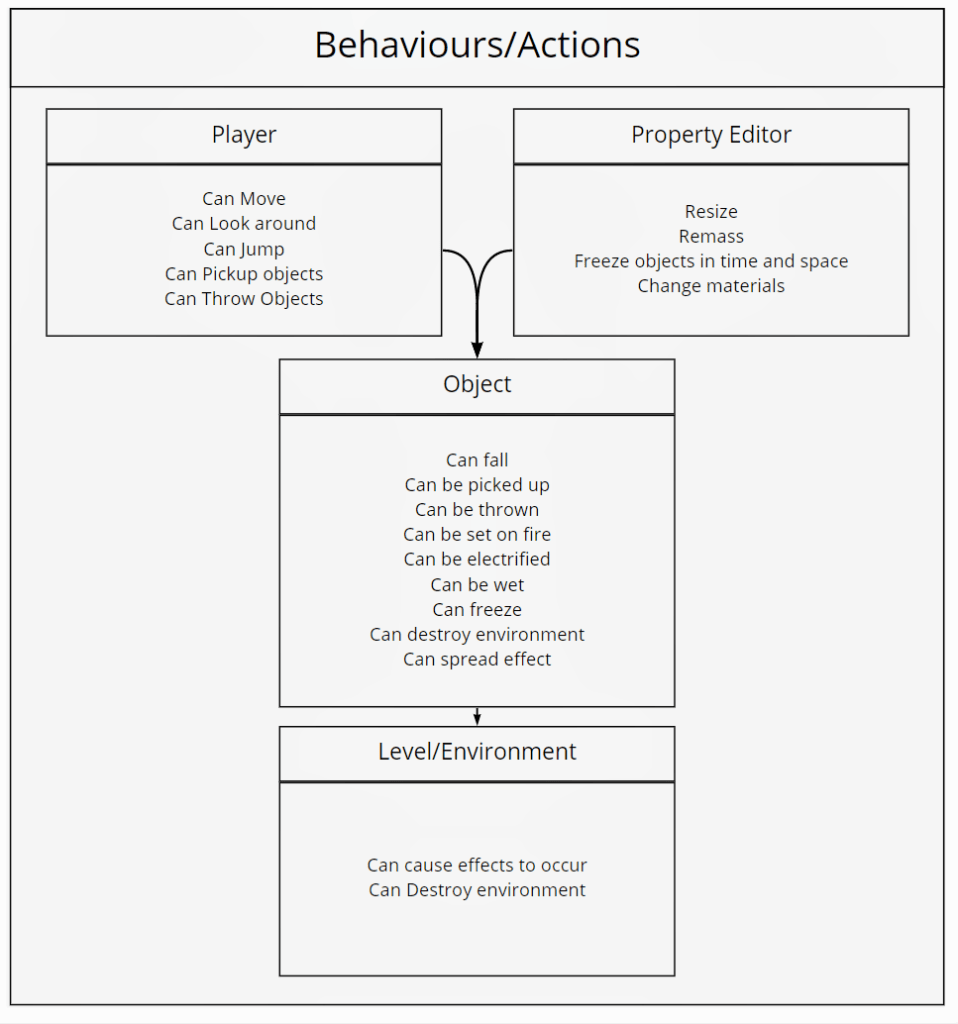
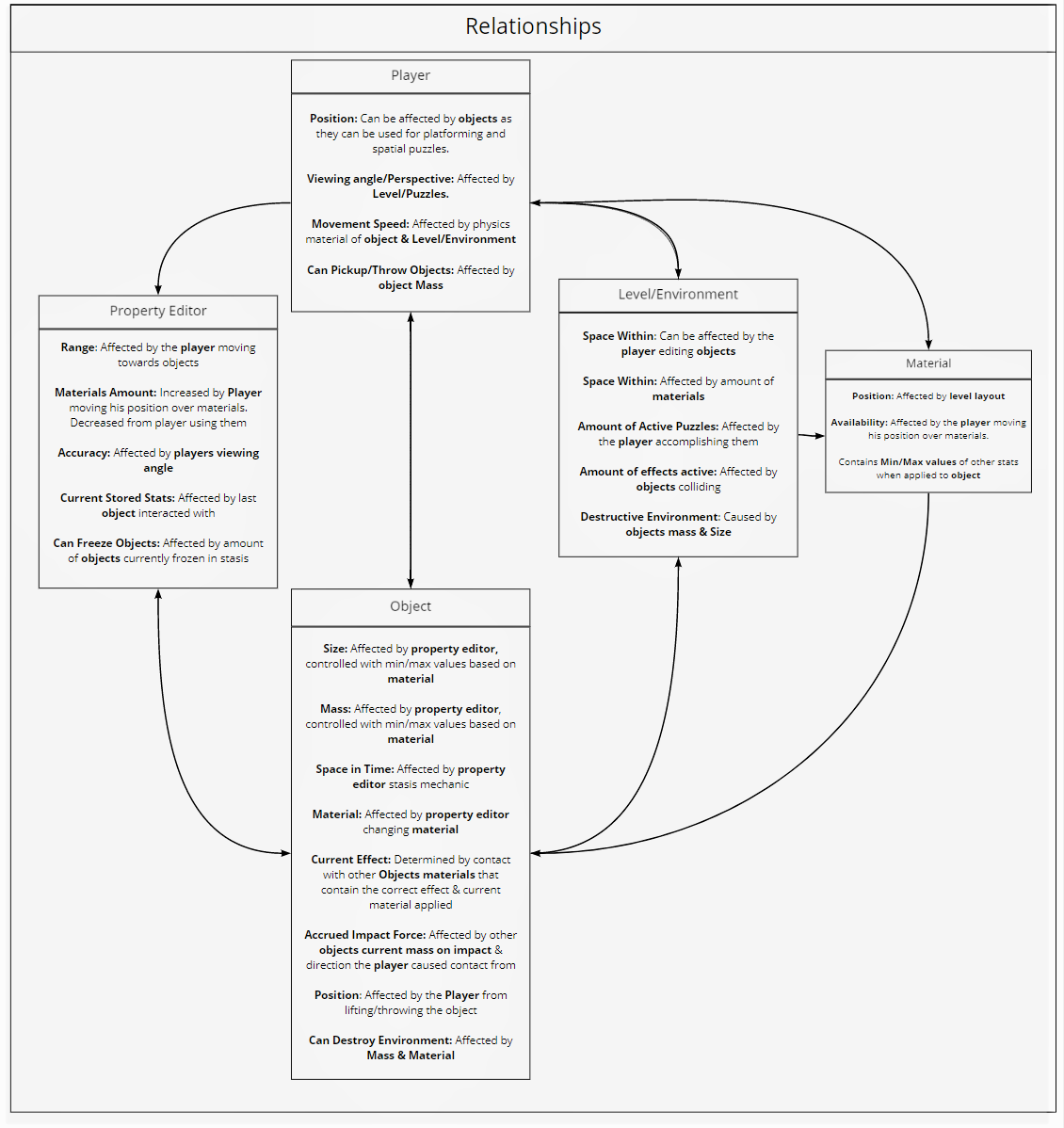
In order to make it into a system, I needed to connect these objects with relationships (Connecting an element of an object to another to create change in the system state) as thats where gameplay derives from.
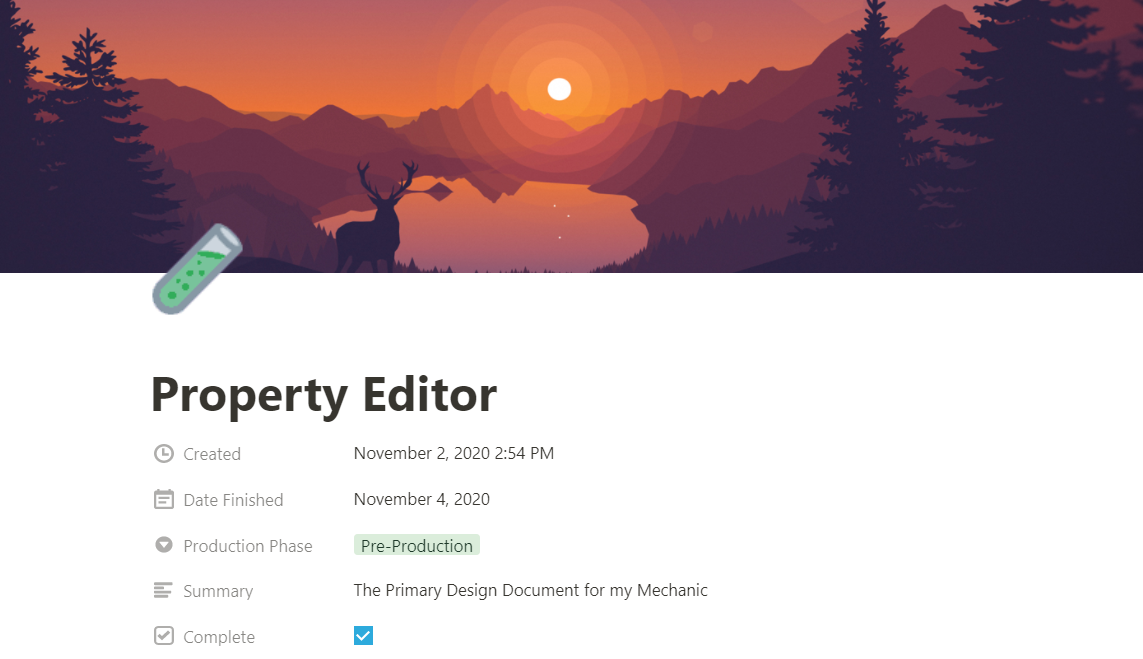
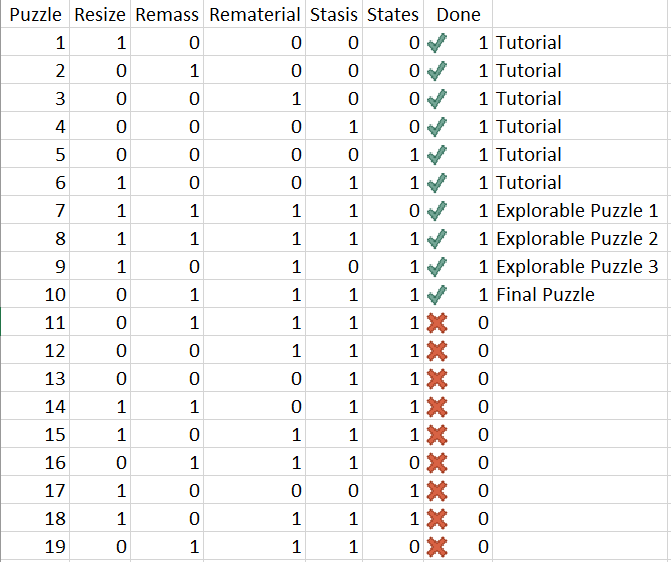
As I explored various ideas, I would document all of this information in both my blog and my mechanics supplementary design page “Property Editor” which details my thought process and design decisions informed by research. After I was confident enough to move forward on the idea with more direction to guide my digital prototyping, I made a small variety index to keep track of the combinations of the mechanics I was using in each puzzle.
Digital Prototyping & Testing
While designing the system elements of the property editor I would go back and forth between the Unity editor, system design with flowcharts and narrative themes and ideas I could mold around the property editor, so I could flesh out the idea gradually from both the bottom up and top down perspective together; An approach I learned from Raph Koster in his “Practical Creativity” GDC talk.
I made regular recordings of my progress to update my blog. Such videos of my rapid prototypes showcased updates to the scripting process of the various properties the player would be able to edit.
I tested my mechanic on several users and iterated based on feedback, rapidly improving on user interface design, communicating information to the user and balancing tighter constraints to limit minimum and maximum values such as size and mass depending on the material applied.
Rapid Iteration
As I made progress digitally prototyping the mechanic I would regularly hold playtest sessions and gather feedback, as this is vital to the playcentric approach. As I got closer to my intended design goals, I started looking towards building out a small level for the player to navigate through and to house the puzzles.
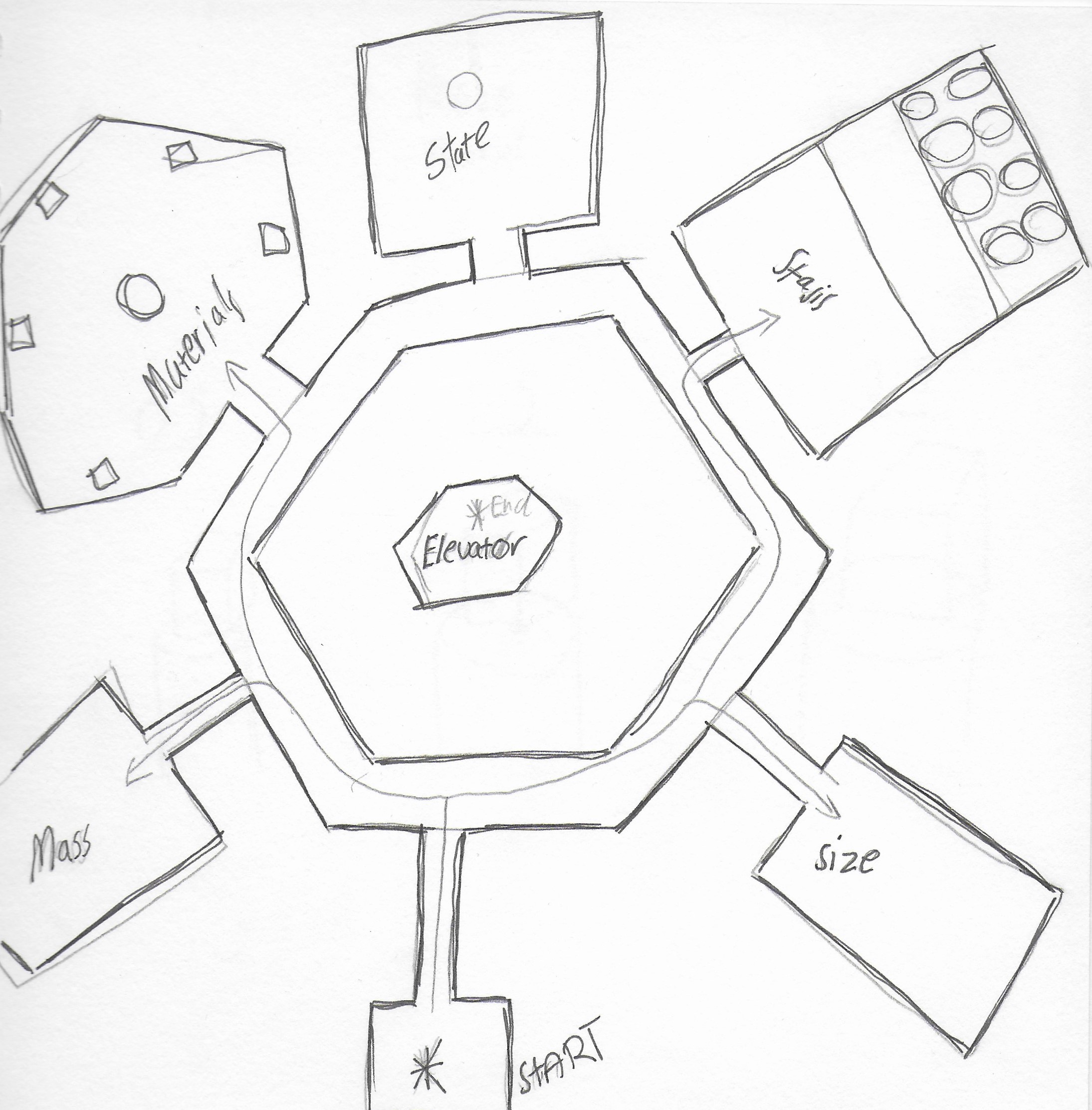
I implemented a small tutorial hub area with rooms to teach each individual property the player can edit.
The player can then escape this tutorial hub area by combining the mechanics together to cause a short curcuit in the elevator door to progress to the next area.
For the second area containing puzzles that could be completed in any order, I aimed to test the player’s lateral thinking towards the puzzle’s solutions with only small hints towards their answers to help the players feel like they are creating their own solutions to the puzzles.
What I Learned
Below is a short summary of my key takeaways from the project and the things I learned through it’s design and prototyping.
- In making this prototype I improved greatly on my scripting abilities in Unity C#, pushing myself to create a unique mechanic and system in a 3D space and implement it.
- How to apply my research, breaking down systems into their base components of objects, properties, behaviours and then connect them with relationships to create play. I then used this approach to create my own play-centric system.
- How to clearly document the core gameplay loop in regards to the core mechanic and also document the greater system design in a way that communicates the intended approach.
- How to design and implement my own spatial user interface that communicates critical gameplay information.
- How to respond to playtester feedback and synthesize their advice into actionable iterations to improve my prototype.
- How to design a tutorial hub area focused on the explorer type of player that teaches them the core mechanics and systems of the game without talking down to them.
 Michael Hutchison